
What Is Graphic Design? A Beginner’s Guide to Types, Tools, and Careers

Some links in this post may be affiliate links. See our Affiliate Disclosure for details.
If you look away from your screen for a second, you will likely see graphic design. It is on the cover of the book on your desk, the logo on your coffee mug, the layout of your favorite app, and the poster on your wall.
But what actually is it? Is it just art? Is it knowing how to use Photoshop?
The short answer is: Graphic design is the art of communication. It is the practice of projecting ideas and experiences with visual and textual content.
In this guide, we will deep dive into the definition of graphic design, the elements that make it work, the different types of design roles, and how you can get started in the field.
The Graphic Design Definition: Visual Problem Solving
At its heart, graphic design is visual problem solving.
While an artist creates work to express a personal feeling or view, a graphic designer creates work to communicate a specific message to a specific audience.
If a client says, "I need to sell this new energy drink to college students," the designer’s job is to use colors, shapes, and fonts that convey "energy," "youth," and "excitement." If the design is beautiful but the customer thinks the drink looks like medicine, the design has failed.
Key Takeaway: Design is not just about aesthetics; it is about function.
Key Elements of Graphic Design
Designers use a specific toolkit to build their visual messages. Just as a musician uses notes and rhythm, a designer uses these core elements:
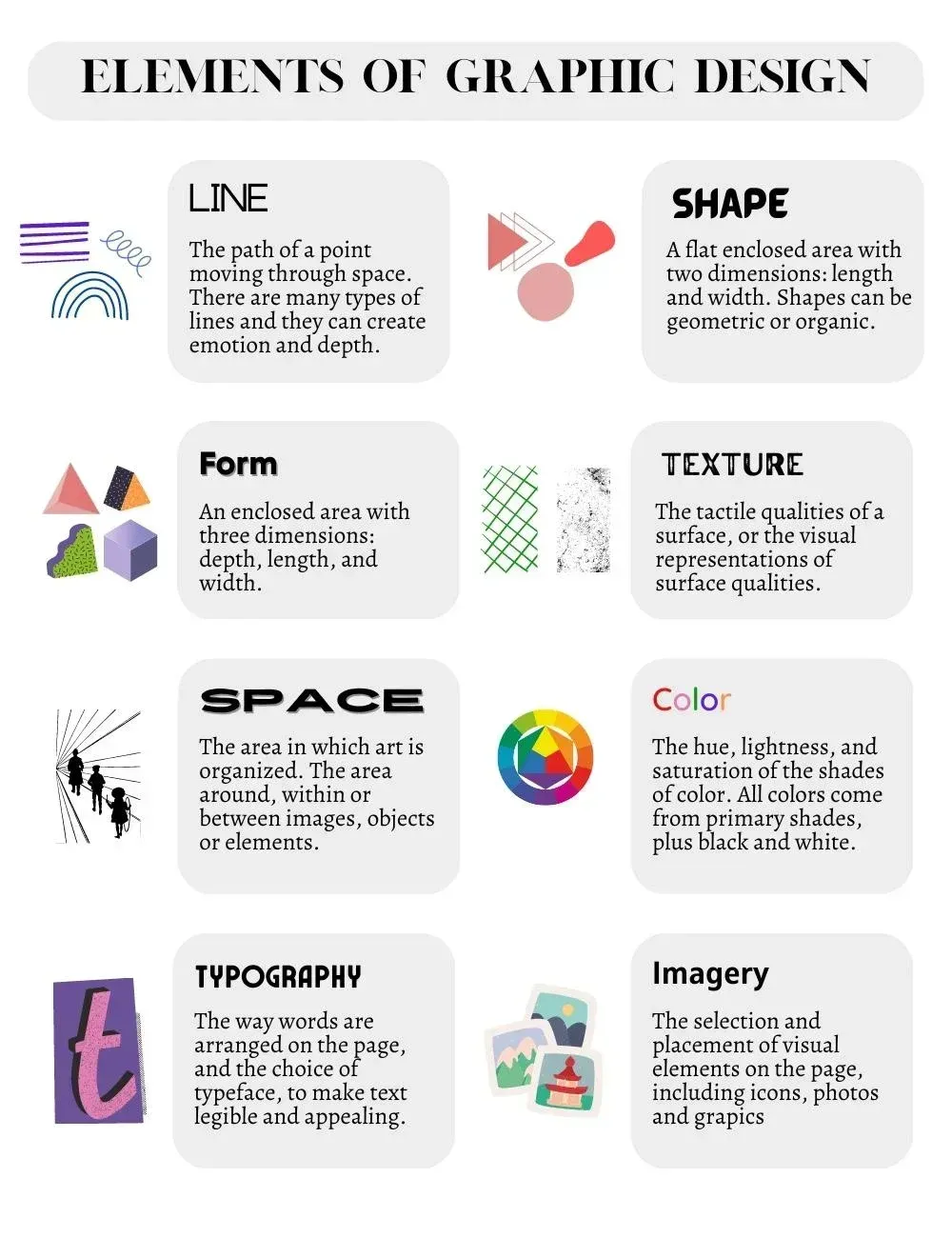
1. Typography
This is the art of arranging type (text). It is more than just picking a font. It involves selecting the right typeface (Serif? Sans Serif? Script?), adjusting the spacing between letters (kerning), and establishing a hierarchy so the reader knows what to read first.

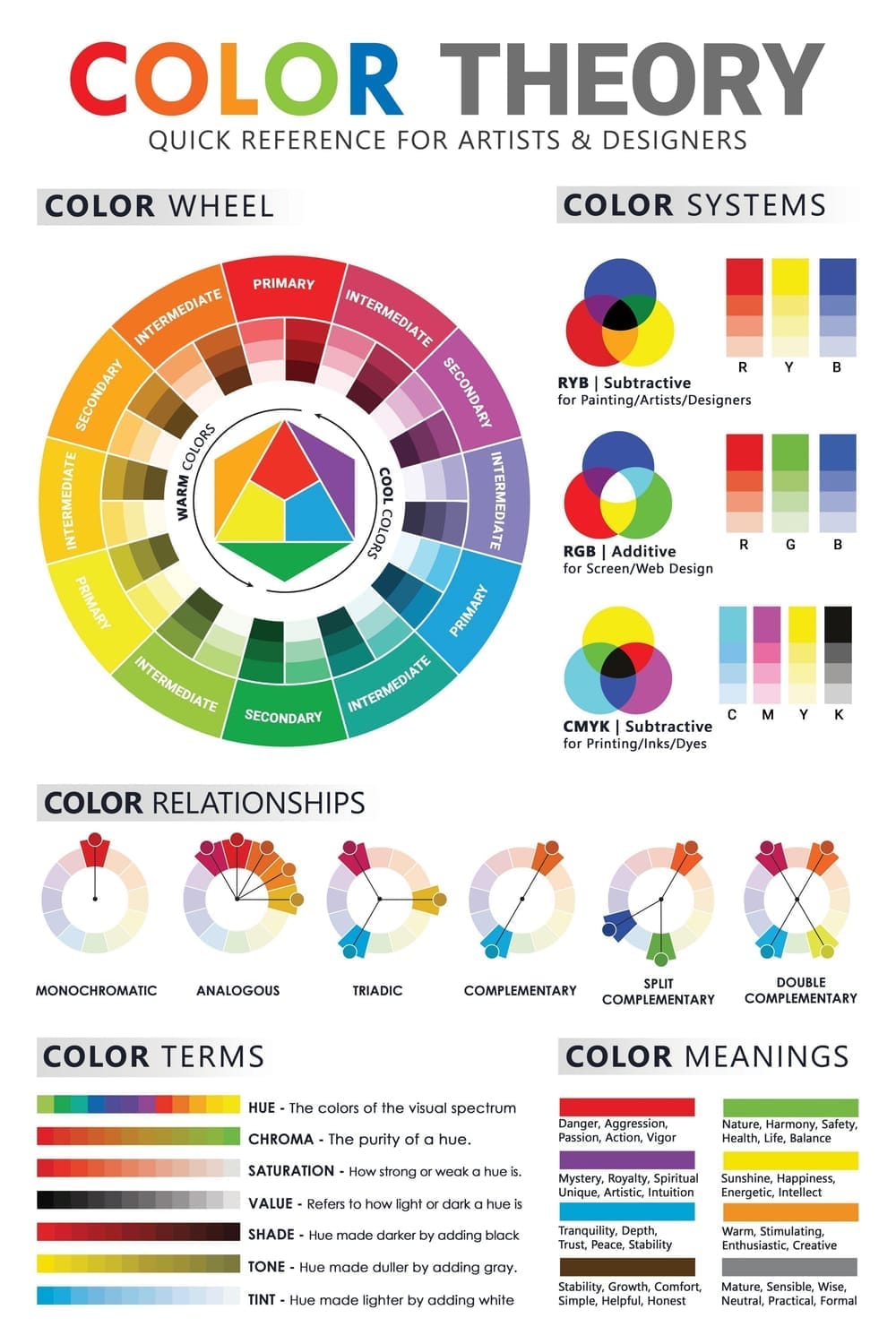
2. Color Theory
Color evokes emotion. Blue can feel trustworthy and corporate (think banks), while red creates urgency or excitement (think clearance sales). Designers use color theory to ensure high contrast for readability and to set the right mood.
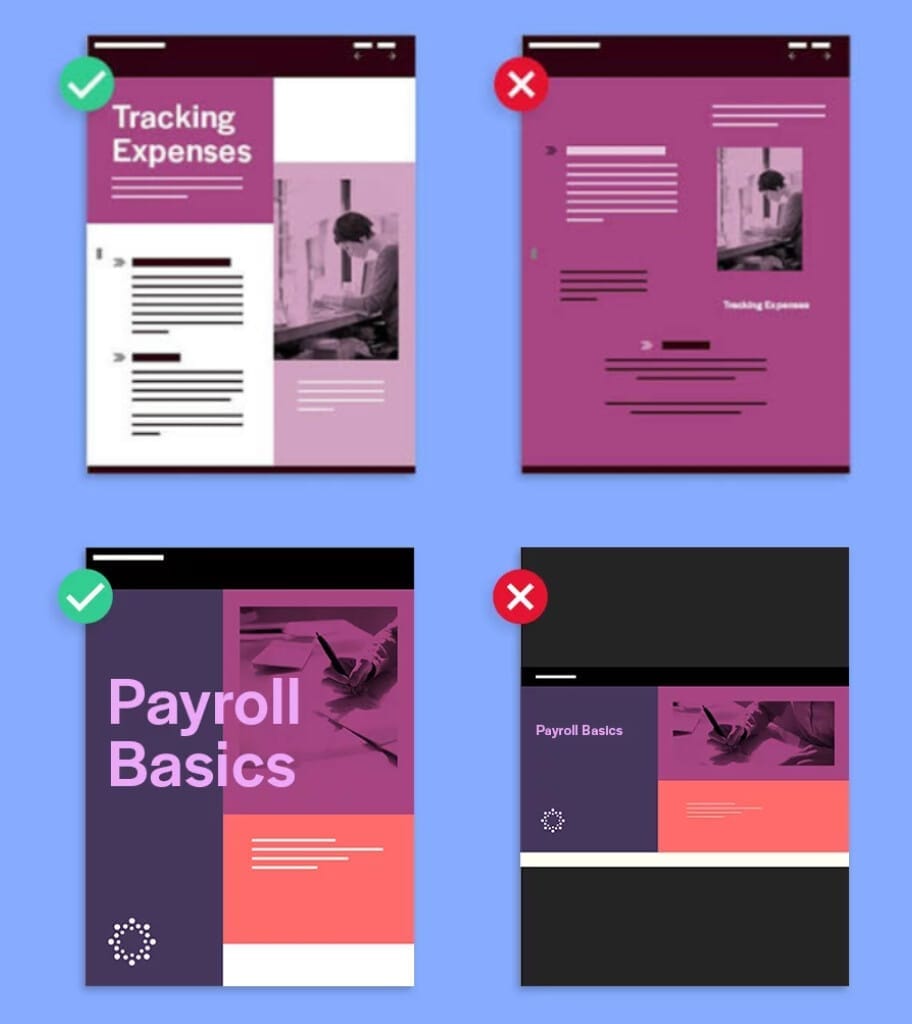
3. Composition & Layout
This is how the elements are arranged on the page or screen. Good layout guides the user’s eye across the design in a logical way, using whitespace (empty space) to let the design "breathe" and prevent clutter.
4. Imagery
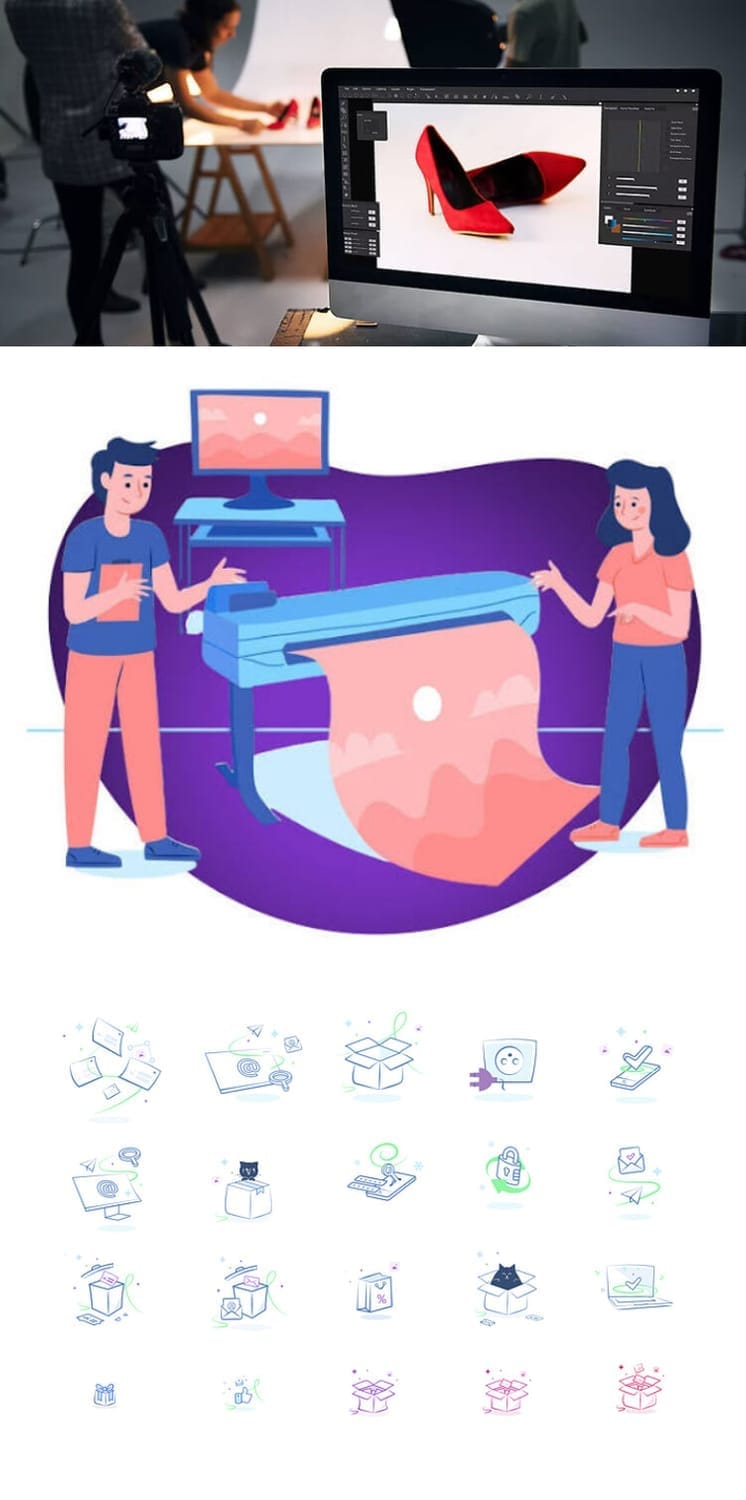
This includes photography, illustrations, and icons. Imagery is often the first thing a viewer notices and is the fastest way to convey a context or mood.
Common Types of Graphic Design
The graphic design industry is massive, with many sub-specialties. Here are a few of the most common types:
Visual Identity (Branding): Creating the face of a brand. This includes logos, color palettes, and business cards.
Marketing & Advertising: Designs created to sell or promote. Examples include social media graphics, billboards, and magazine ads.
User Interface (UI) Design: Focusing on the visual experience of digital products like websites and apps (buttons, menus, micro-interactions).
Publication Design: Layouts for long-form content like books, magazines, catalogs, and newspapers.
Packaging Design: The exterior of a product (boxes, bottles, bags) which protects the item and attracts buyers on a shelf.
Motion Graphics: Design in movement. This includes animated logos, title sequences, and GIFs.
Best Graphic Design Software and Tools for Beginners
You don't need expensive software to start learning. While professionals often rely on industry-standard tools, there are fantastic options for every budget.
1. Vector Graphics (Logos, Icons, Illustrations)
The Industry Standard (Paid): Adobe Illustrator
2. Raster Graphics (Photo Editing, Manipulation)
The Industry Standard (Paid): Adobe Photoshop
3. Layout and Publication (Print, Books, Magazines)
The Industry Standard (Paid): Adobe InDesign
4. UI/UX Design (Web & App Interfaces)
The Industry Standard (Paid) & Free Alternative: Figma (The industry standard with a generous free tier, making it ideal for starting out)
If you are just exploring, start with Canva. It helps you understand layout and composition without the steep learning curve of professional software. Once you are ready to create custom logos or detailed illustrations, move on to Inkscape or Illustrator.
How to Become a Graphic Designer
Graphic design is one of the few fields where your portfolio matters more than your degree. Here is a roadmap to getting hired:
1. Learn the Fundamentals (Theory First!)
Before you open Photoshop, learn the rules. Study color theory, typography, and grid systems. If you understand why a design looks good, you can create good designs in any software.
2. Master the Tools
Pick one tool to start (like Illustrator or Photoshop) and learn it inside out. YouTube is full of free tutorials. Challenge yourself to recreate designs you admire to learn the techniques.
3. Build a Portfolio
You don't need real clients to have a portfolio.
Create Mock Projects: Rebrand a local coffee shop or design a poster for a fake movie.
Volunteer: Offer to design a flyer for a charity or a logo for a friend's Twitch channel.
Quality > Quantity: 3–5 excellent case studies are better than 20 mediocre images.
4. Share Your Work
Put your work on platforms like Behance or Dribbble. Join design communities to get feedback. Networking is often how junior designers find their first gigs.
Summary
Graphic design is where creativity meets strategy. It is a field that requires both an artistic eye and an analytical mind. Whether it’s a stop sign telling you to halt or a website enticing you to scroll, graphic design shapes how we interact with the world around us.
Disclaimer:
This article is for informational purposes only. Some links may be affiliate links, meaning Advise Graphics may earn a commission at no extra cost to you. We do not guarantee results, and readers should do their own research before making any decisions.
Tags
Popular articles
Copyright
© 2025 Advise Graphics. All rights reserved.
Cop© 2025 Advise Graphics. All rights reserved.